Start » State-of-the-Art » Design Engineering Use Case
Fluid 4.0 provides standardized access to verified, version-controlled 3D data through the Asset Administration Shell. Manufacturers make models available in a structured format. Integrators can access these directly, regardless of vendor, and without media discontinuities. The result is a seamless digital engineering process chain.

In plant and machinery engineering, 3D design is a central component of system development. In practice, however, CAD models of components are often unavailable, incomplete, or available in various formats.
Design engineers must spend considerable time searching for data, requesting it from manufacturers, or manually modifying models. Fragmented data sources, inconsistent naming conventions, and unclear versioning lead to media discontinuities, integration issues, and delays. The high level of coordination and administrative effort ties up skilled personnel, increases error rates, and directly impacts development time, costs, and quality.
Structured 3D data provided through the Asset Administration Shell, together with the “Provision of 3D Data” submodel, enable CAD information to be uniquely referenced, versioned, and contextualized. Manufacturers provide their data in a standardized and interoperable format, while integrators can directly access verified, up-to-date models. This reduces friction along the entire engineering process chain.
Structured delivery of the Asset Administration Shell (AAS) and the “Provision of 3D Models” submodel. First, physical components are instantiated using an AAS, which contains all relevant metadata regarding the 3D geometry. The “Models3D” submodel stores metadata such as file paths, version, format, intended use, and references to online data sources, supplemented by file format information and semantic classifications.
CAD tools or repositories access this AAS via standardized interfaces (including REST) and load the appropriate files directly into the design process. SDKs and data space services support discovery, plausibility checks, and consistent integration of data into a wide variety of tools.
Additional services such as viewers or automated integration plugins facilitate the embedding of 3D models into the system landscape and create a seamless, vendor-independent engineering process chain.
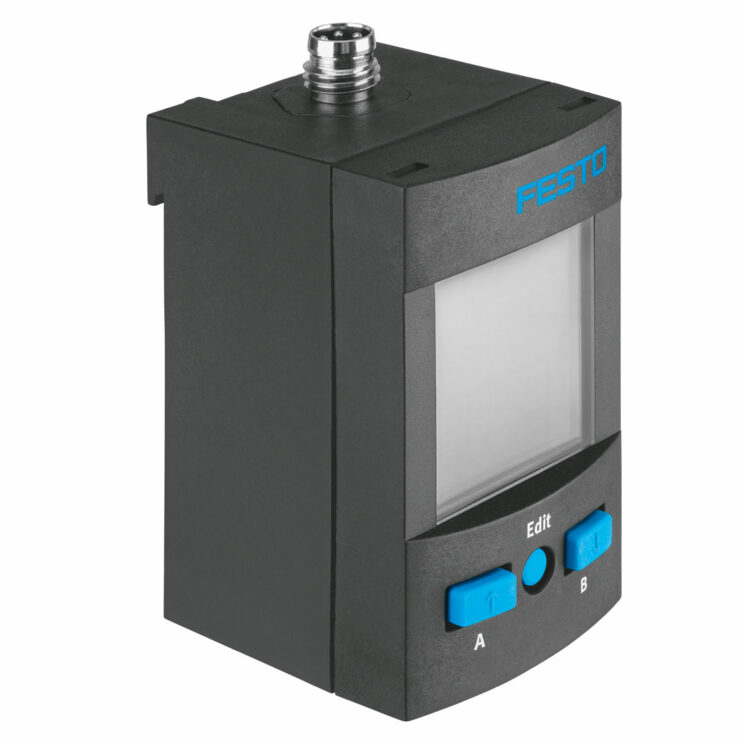
Using selected fluid power products as examples, we demonstrate how design engineering information is stored in a structured manner within submodels of the Asset Administration Shell. The examples are intentionally generalized so that the concepts shown can be applied to different products, systems, and workflows.