AAS Viewer – See Asset Administration Shells in action
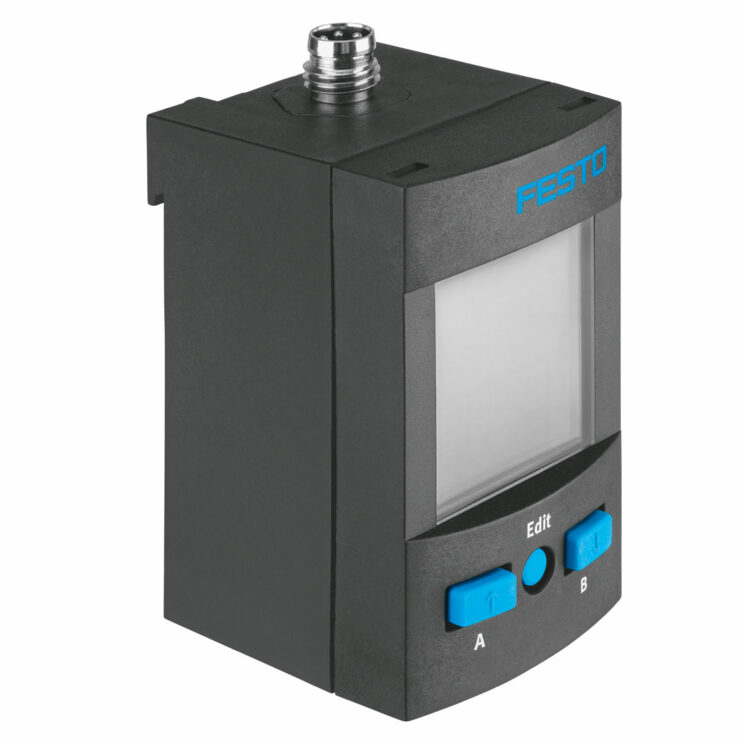
Below is a selection of products that allow you to experience the digital twin in the form of an AAS. Click on the product of your choice to go directly to the Asset Administration Shell view.
Technical deep dive: When you click on a product, its global asset ID is passed to the AAS Viewer, which then communicates with a backend AAS server to locate and display the digital representation based on the unique mapping of the global asset ID. Find out more under Basics
1 – You have come here via a QR code and a product is displayed directly to you
2 – You know the global asset ID of your product and you can enter it in the search field
Please note: The global asset ID of your Fluid 4.0 ballpoint pen and pneumatic handling system is always structured as follows: “https://fluid40.de/k?id=” + “Your four-digit number” However, you can only type in your individual four-digit number!